
Armainer
armainer.io
IOT Fleet Management
Get it working on the Pi on your desk, then ship it to every Pi you own. Push to GitHub and the whole fleet updates itself.
git push
built for ARM
running on every Pi
curl -sfL https://join.fleet.armainer.io/install | sudo sh -s --One line puts a Pi in your fleet. Start for free or log in.
How it works
commit
queue
ARM workers
Pi 364-bit ARM
Pi 4 familyPi 4, Pi 5, Compute
push
pull
Secure tunnel
WireGuard
SSH shell
Approve
Firewall
Logs
OS update
Fleet
Every Pi runs the same release. Offline ones catch up when they are back.
Deviceruns the release
Deviceruns the release
Deviceruns the release
Moreadd a device
Device network
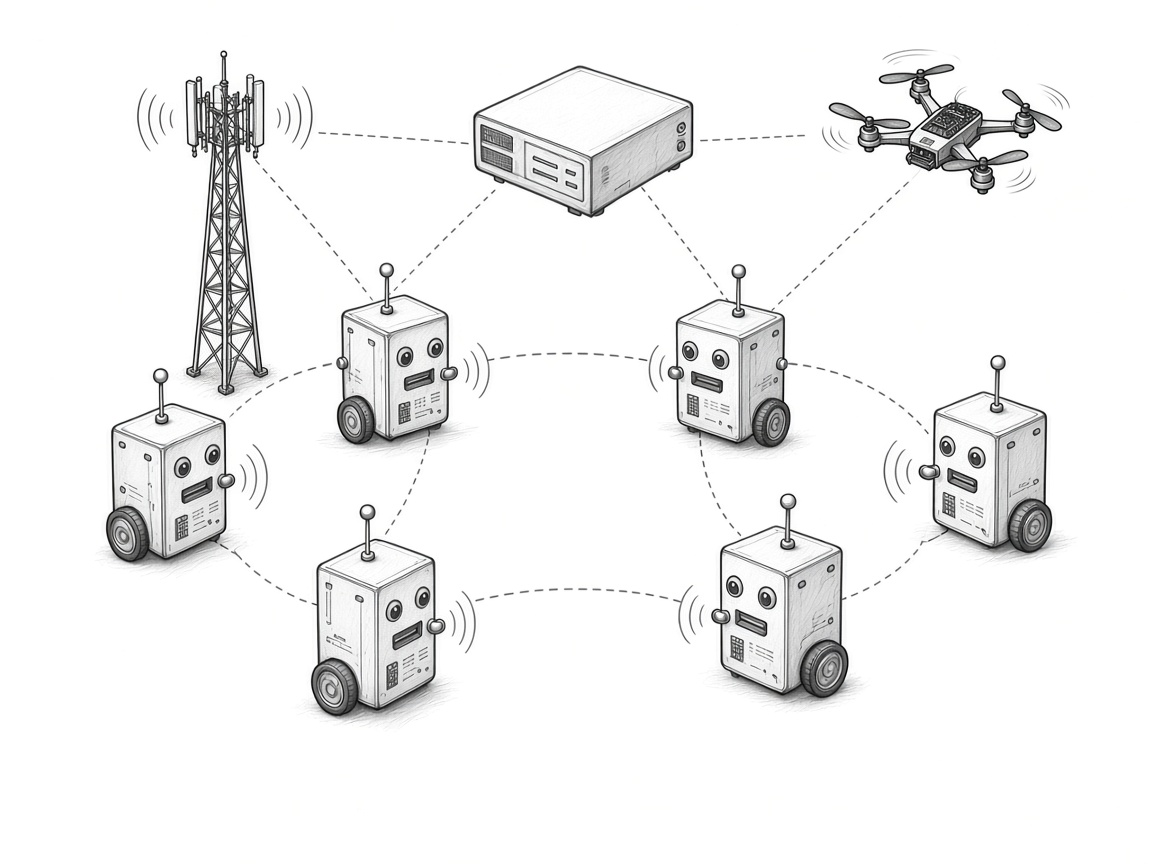
The fleet can open a secure network so its devices talk to each other.
Why use it
From prototype to fleet
Start with one Pi. When your code is ready, the exact same release goes to every board in the fleet.
Compiled on the real board
Each release is compiled on native hardware for that board family. A Pi 3 fleet is built on a Pi 3. The other fleets are built on a Pi 4, Pi 5, or Compute board. Cross-compiling can introduce errors that only show up on the device.
Push to deploy
Every commit can become a new release. Pis that were switched off pick it up as soon as they come back online.
Every board in one place
See what each Pi runs, how warm it is, and when it last checked in. Open a shell, read the logs, or update Pi OS from your browser.
Secure remote management
Your Pis connect out over a secure tunnel, so there is no port forwarding and no public address on the device. Nothing joins your fleet until you approve it.
A network between devices
A fleet can open a secure tunnel for its own devices. They reach each other through it, and that traffic stays inside the fleet.
Pi OS Lite (64-bit). A fleet is one board family: Pi 3, or Pi 4, Pi 400, Pi 5, Compute 4, and Compute 5.
Built for things that move
Get started
- Create your organisation. It is free to start.
- Make a fleet and connect your GitHub repository.
- Flash a Pi, approve it, and watch it run your code.